How the Feiyu SCORP App Enhances Button Control on SCORP-C2
When it comes to camera gimbal operation, physical controls remain essential. Buttons, the joystick and the control knob provide instant feedback, precise response, and reliable control in fast-paced shooting environments. When you’re in the middle of a shot—walking, tracking a subject, or adjusting framing on the fly—nothing beats the confidence and responsiveness of hands-on control.
The Feiyu SCORP-C2 is designed with this principle at its core, offering intuitive button-based operation that keeps creators focused on the shot rather than the screen.
At the same time, modern shooting demands more flexibility, deeper customization, and greater creative freedom than physical buttons alone can provide. This is where the Feiyu SCORP APP comes in—not as a replacement for button control, but as a powerful extension that completes the SCORP-C2 control experience.
Buttons First: Why Physical Control Matters on the SCORP-C2
Built for Hands-On Control
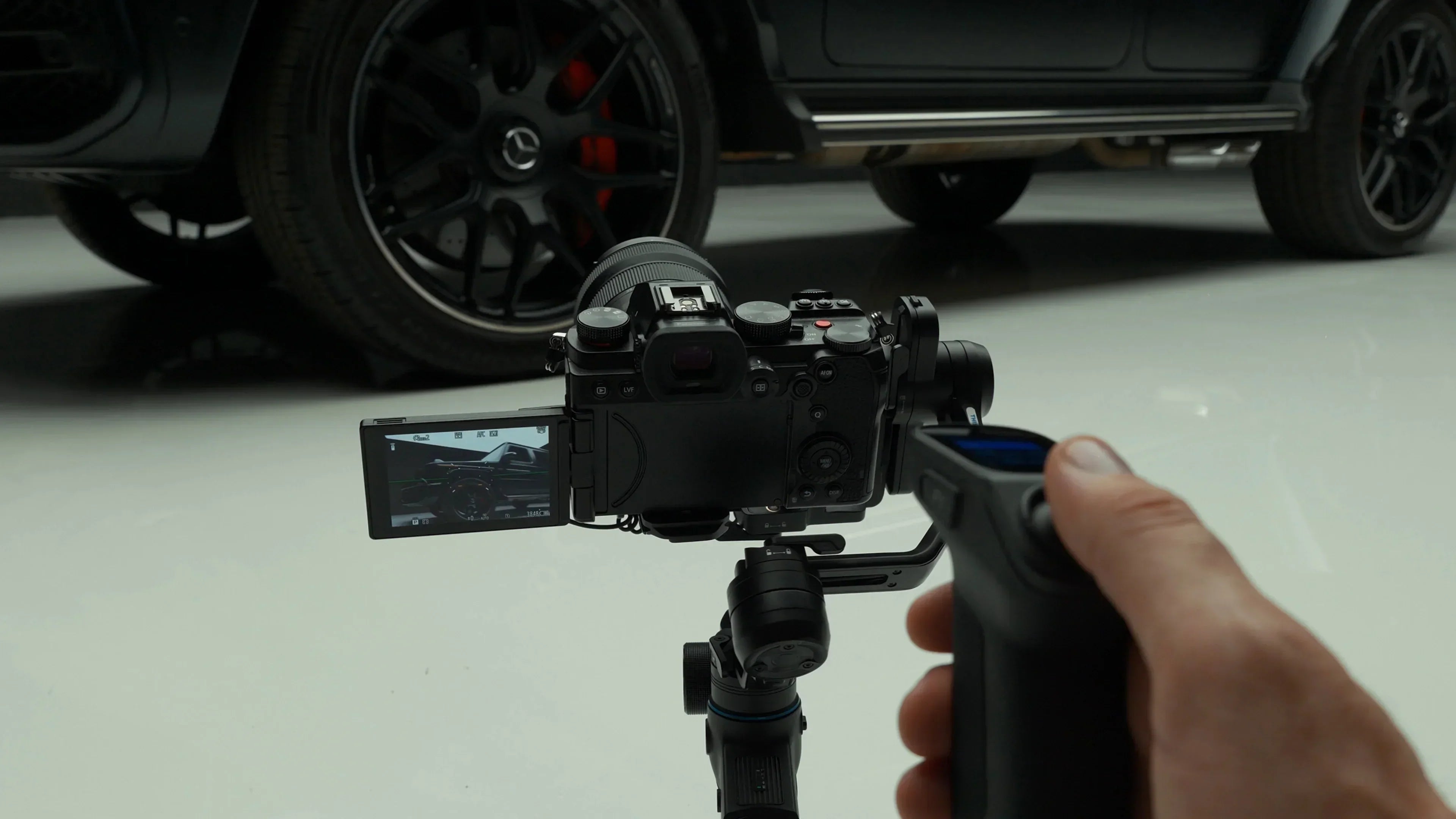
The SCORP-C2 is designed for creators who prefer direct, tactile control. With physical buttons and a responsive joystick, users can quickly adjust pan and tilt, switch follow modes, and react immediately to changes in the scene. This hands-on approach ensures stability and accuracy, especially during dynamic shots where timing is critical.
Unlike touchscreen-based control, physical buttons provide consistent feedback that helps creators develop muscle memory. Over time, adjustments become second nature, allowing for smoother operation without breaking focus or interrupting the shooting flow.
Fast Response When It Counts
In real-world shooting scenarios — such as tracking moving subjects, walking shots, or handheld transitions — speed matters. Button control enables immediate adjustments without navigating menus or relying on a mobile device. This makes the SCORP-C2 especially effective for run-and-gun shooting, documentary work, and fast-paced content creation.
For moments that can’t be repeated, reliable button control keeps the process simple and dependable.
Why Connecting the Feiyu SCORP App Makes a Difference
The App Is Not a Replacement, but an Extension
While buttons handle real-time operation, the Feiyu SCORP App expands what the SCORP-C2 can do beyond the limits of button control alone. It enables deeper performance fine-tuning, access to advanced shooting modes, and remote gimbal control when needed.
Put simply, buttons control the moment, while the app shapes the entire shooting experience. Used together, they create a workflow that is both immediate and flexible.
Designed Specifically for the Feiyu SCORP Series
The Feiyu SCORP App is built specifically for Feiyu SCORP series gimbals, with dedicated optimization for models such as the SCORP-C2 and SCORP-C. Its interface and control logic are closely aligned with the physical layout of the gimbal, allowing settings and operations in the app to feel immediately familiar to SCORP users. Rather than feeling like an add-on, the app functions as a natural extension of the gimbal itself.

What the Feiyu SCORP App Offers — and When to Use It
So when does the app come into play? Most creators naturally use it at three key stages: before shooting, during specific setups, and when aiming for creative shots.
Before Shooting: Setup and Fine-Tuning
Before you start recording, the app is ideal for preparing your SCORP gimbal. You can set auto calibration, adjust motor strength, follow speed, follow mode, control knob behavior, and axis behavior to match your camera setup and shooting style. These settings help ensure smoother stabilization and better overall performance.
Once everything is dialed in, you can focus entirely on shooting without further adjustments.
During Shooting: Precision and Remote Control
In certain situations, direct access to the gimbal may be limited—for example, when the camera is mounted high, placed close to the ground, or set up on a tripod. In these cases, the Feiyu SCORP App offers virtual joystick control and remote operation, enabling precise pan, roll and tilt adjustments from a smartphone.
This added flexibility enhances accuracy without interfering with the primary button-based workflow, making it easier to maintain control even when the gimbal is out of reach.
For Creative Shooting: Unlocking Advanced Modes
Beyond basic stabilization, the app unlocks creative shooting modes, such as Auto Rotation, Timelapse, Panorama and Track Video, expanding the capabilities of the SCORP-C2. These functions are designed to complement physical controls while enabling more complex and repeatable movements.

Key Features That Expand Button Control with the Feiyu SCORP App
Smart Remote Control: Virtual Joystick & Remote Operation
With the Feiyu SCORP App, your smartphone becomes a compact and versatile control panel. The virtual joystick enables smooth, precise pan and tilt movements, complementing the gimbal’s physical joystick. This is especially useful for solo creators who need accurate framing and motion control without additional crew or equipment.

Somatic Control: Intuitive Motion-Based Interaction
Somatic control introduces a more natural way to operate the gimbal. By simply tilting your smartphone, you can control the direction of the gimbal using gravity-based motion sensing. This opens up creative possibilities for dynamic shots and fluid transitions, especially when experimenting with movement.

Creative Shooting Scenarios: Turning Ideas into Motion
- Auto Rotation (Inception Mode)
Controlled through the Feiyu SCORP App, Auto Rotation delivers smooth, automatic rotational movement for dynamic cinematic effects, such as dramatic orbiting shots or stylized “Inception-style” motion. Unlike Follow (F) or Pan Follow (PF), which focus on basic stabilization, Auto Rotation is designed for intentional, continuous rotation—making it ideal for product showcases, creative transitions, and controlled cinematic reveals. - Timelapse (Motionlapse/Static Timelapse/Hyperlapse)
Timelapse mode captures long-duration scenes with smooth, programmed camera movement—ideal for cityscapes, moving clouds, traffic, sunsets, and environmental transitions. Users can set start and end angles, duration, and intervals, while the gimbal automatically moves along the pan and tilt axes, with the roll axis keeping the horizon stable.
The result is cinematic, consistent timelapse footage that combines the passage of time with controlled motion, without the need for manual adjustments or additional equipment. - Panorama
Panorama mode makes it easy to capture wide landscapes, city skylines, and architectural scenes with smooth, precise motion. Users can select a panorama pattern—such as 3×3 grid, 180°, or a custom sequence—and the gimbal automatically moves the camera to capture a series of interconnecting still images. These images can then be stitched using image processing software to create a high-resolution, seamless panoramic photo.
Compared to handheld shooting, Panorama mode ensures consistent, repeatable movement, delivering clean and professional results every time.
Conclusion: The Complete SCORP-C2 Control Experience
The SCORP-C2 delivers powerful, intuitive button-based control that performs reliably in real-world shooting situations. When paired with the Feiyu SCORP App, it gains deeper customization, advanced creative modes, and flexible remote control options.
Together, they define how the SCORP-C2 is meant to be used — combining tactile precision with intelligent control to support both professional workflows and creative exploration. This balance is what makes the SCORP-C2 especially suitable for solo creators as well as more complex shooting setups.
Explore Feiyu SCORP-C2